
Simplify busy scenes
Remove distractions that compete with the intended product, person, or focal point.
Generative editing
Remove visual distractions, small imperfections, or unwanted scene elements with generative AI. Sahera fills the selected area based on nearby image context so you can produce a cleaner composition quickly.
Uses 1 shared credit per edit · 1 free starter credit
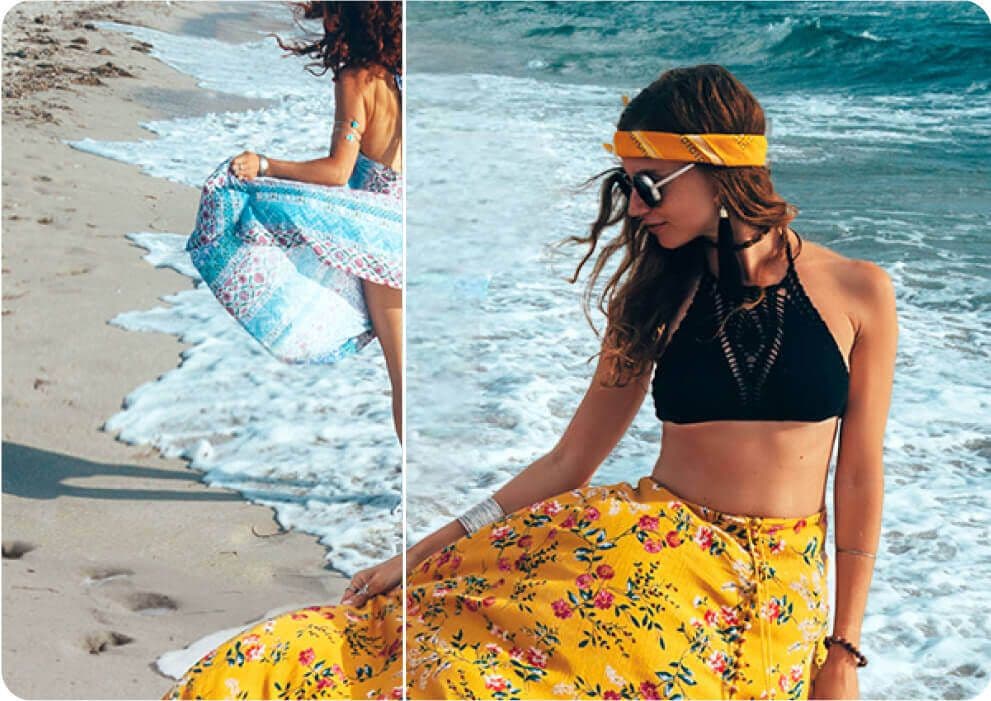
Why use it
Remove distractions that compete with the intended product, person, or focal point.
Correct minor visual problems when recreating the original scene would take too long.
AI reconstructs the selected area using surrounding colors, texture, light, and structure.
How it works
The workspace keeps setup simple while giving you clear checkpoints before anything is downloaded or published.
Use a clear, well-lit image for the most coherent reconstruction.
Paint over the object or imperfection you want the AI to remove.
Review repeated patterns, shadows, and structural lines before using the result.
AI output can contain artifacts or inaccuracies. Review results, protect private information, respect consent and intellectual-property rights, and use qualified professionals for high-stakes decisions.
Read acceptable useFrequently asked questions
Small or isolated objects against predictable backgrounds usually work best. Large subjects covering complex structures may require multiple attempts.
The generated result is saved separately in your project workflow, allowing you to retain your original source.
Yes. Zoom in to check patterns, reflections, text, anatomy, and architectural details before publishing.
Continue creating
Photo editing
Separate a person or product from its surroundings in a streamlined AI workflow. Create clean visual assets for shops, campaigns, presentations, and profile images, then continue editing inside Sahera AI.
ExplorePhoto enhancement
Sahera AI Photo Enhancer improves the visual quality of low-resolution, soft, or poorly balanced images. Refine clarity, lighting, sharpness, and color without learning a complicated editing suite.
ExploreCreative photo editing
Combine a source scene with a permitted face reference for creative, entertainment, or concept work. Sahera AI provides a guided workspace and saves generated results for review before they are shared.
ExplorePractical guide · 7 min read
A clean background can help shoppers understand a product, but background removal is only one part of a reliable listing workflow. The source photo, edge quality, color accuracy, consistency, and final review all affect whether the image is useful.
Create your Sahera AI account and use your free starter credit. Upgrade only when you need more capacity.
Open the tool