
Recover useful detail
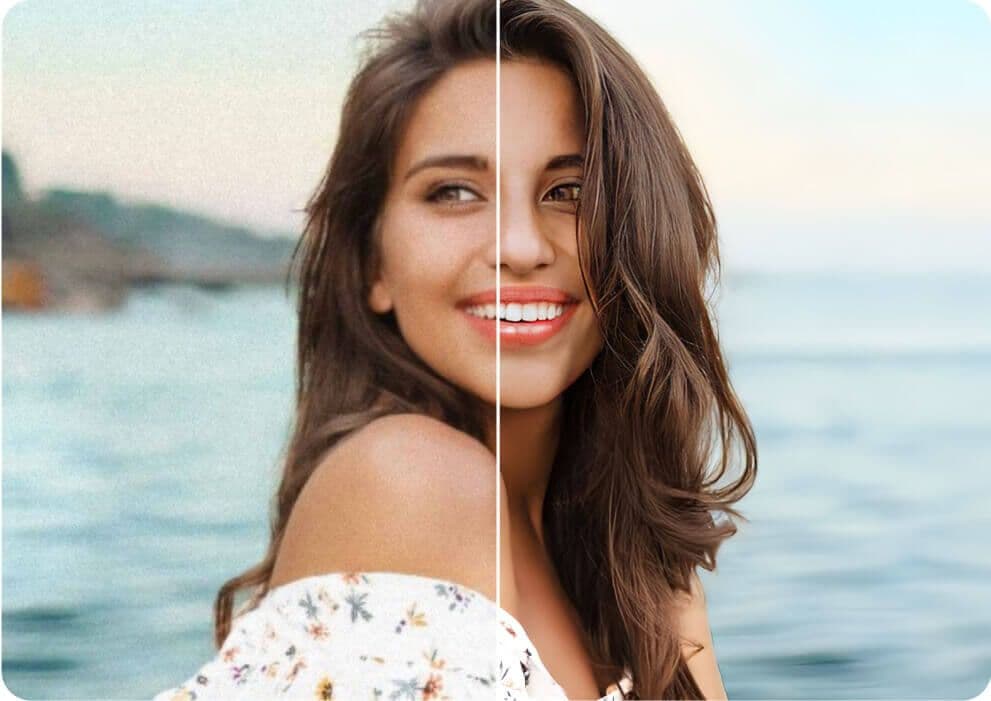
Improve perceived sharpness and definition in images that look soft or compressed.
Photo enhancement
Sahera AI Photo Enhancer improves the visual quality of low-resolution, soft, or poorly balanced images. Refine clarity, lighting, sharpness, and color without learning a complicated editing suite.
Uses 1 shared credit per enhancement · 1 free starter credit
Why use it
Improve perceived sharpness and definition in images that look soft or compressed.
Create a cleaner, more consistent finish for catalogs, campaigns, and everyday content.
Save completed results to My Projects and continue with other Sahera editing tools.
How it works
The workspace keeps setup simple while giving you clear checkpoints before anything is downloaded or published.
Choose a supported JPG, PNG, or WebP image you have permission to edit.
The AI evaluates the image and applies clarity, lighting, and color improvements.
Inspect the result, save it to your project history, or continue editing.
AI output can contain artifacts or inaccuracies. Review results, protect private information, respect consent and intellectual-property rights, and use qualified professionals for high-stakes decisions.
Read acceptable useFrequently asked questions
No. Enhancement can improve perceived quality, but it cannot reliably recover details that were never captured. Start with the highest-quality source available.
Results depend on the source image. Always review fine details, faces, text, and product colors before publishing.
The Sahera AI workspace accepts JPG, PNG, and WebP source images up to the displayed upload limit.
Continue creating
Old photo restoration
Repair scratches, reduce visible damage, recover faded detail, and colorize old photographs in one focused workflow powered by FLUX Kontext. The restored result is saved privately to your Sahera AI projects for review and download.
ExplorePhoto editing
Separate a person or product from its surroundings in a streamlined AI workflow. Create clean visual assets for shops, campaigns, presentations, and profile images, then continue editing inside Sahera AI.
ExploreGenerative editing
Remove visual distractions, small imperfections, or unwanted scene elements with generative AI. Sahera fills the selected area based on nearby image context so you can produce a cleaner composition quickly.
ExplorePractical guide · 7 min read
A clean background can help shoppers understand a product, but background removal is only one part of a reliable listing workflow. The source photo, edge quality, color accuracy, consistency, and final review all affect whether the image is useful.
Create your Sahera AI account and use your free starter credit. Upgrade only when you need more capacity.
Open the tool