
Professional portrait guide
How to Create a Professional AI Headshot
A useful professional headshot should feel recognizable, appropriate for its context, and visually consistent with how you present yourself in real life. AI can accelerate production, but the source image and identity review matter more than choosing the most dramatic style.
By Sahera AI Editorial Team · Updated September 24, 2026 · 7 min read
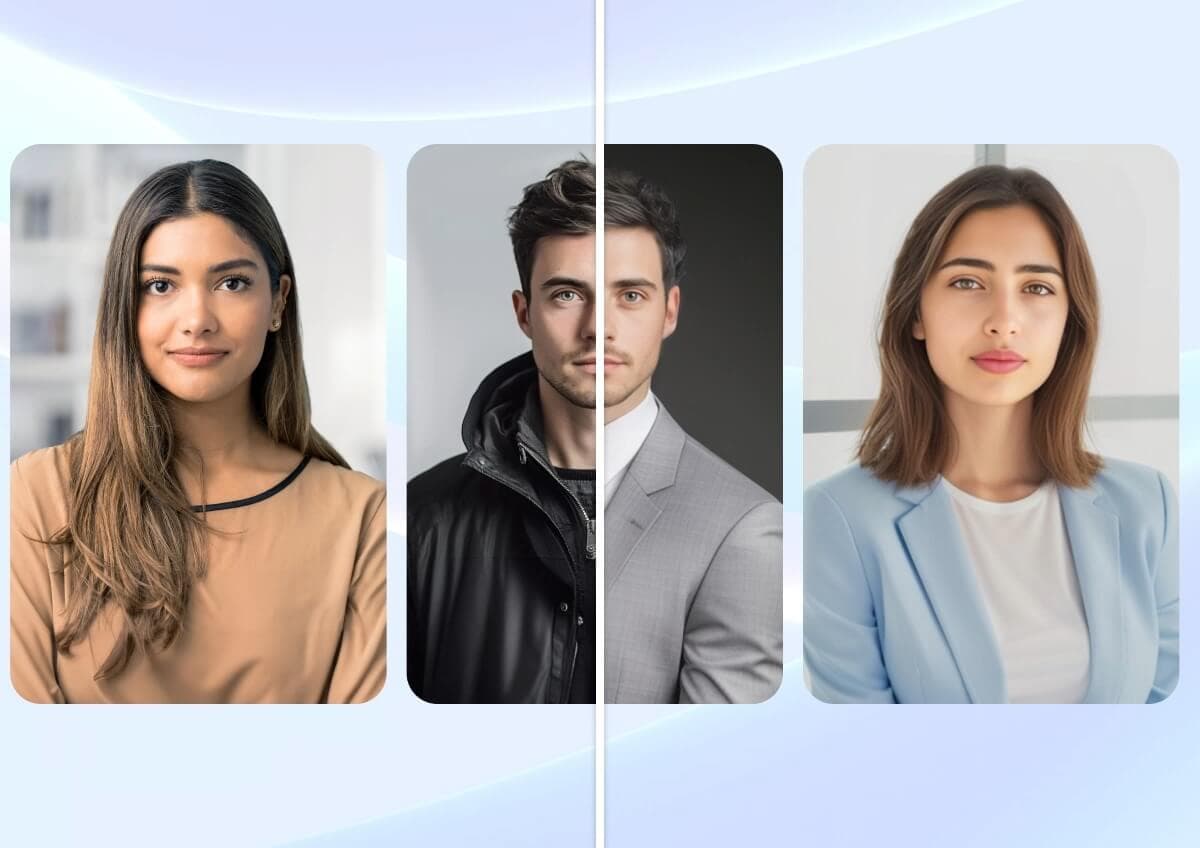
Step 1
Select a source image that represents you accurately
Choose a recent, sharp photo showing one unobstructed face. Look toward the camera or slightly to one side, keep your expression natural, and avoid screenshots, beauty filters, sunglasses, extreme shadows, or a lens angle that changes facial proportions.
Resolution matters, but honesty matters more. A current phone portrait in soft window light is usually a better source than an old studio photo that no longer resembles you. If the service allows multiple attempts, vary expression or angle slightly while keeping identity consistent.
- Recent and recognizable
- One clearly visible face
- Sharp eyes and natural skin detail
- Soft, even lighting
- No strong filter or face-altering edit
Step 2
Match the style to where the headshot will appear
A legal, financial, medical, or executive profile usually benefits from restrained wardrobe, neutral lighting, and a simple background. A designer, musician, or creator may use more character and color while still keeping the face recognizable. Speaker pages and press kits often need a little more visual polish than an internal directory.
Think about the page before generating: background color, crop, available space, and the surrounding brand design. A headshot that looks impressive alone may feel inconsistent beside the rest of a team. For company directories, define one style and apply it carefully across the group.
- Professional network profile
- Company team page
- Speaker biography
- Portfolio or media kit
- Internal directory
Step 3
Complete an identity and realism review
Compare the output with the source at the same size. Check eye shape and color, teeth, hairline, skin marks, jaw, ears, glasses, jewelry, and any other recognizable feature. Examine clothing edges, lapels, buttons, hands, background objects, and text for generation artifacts.
Do not choose a result only because it looks younger, thinner, or more conventionally polished. The image should still represent the person colleagues or customers will meet. If a facial feature is materially changed, generate another version instead of treating the result as finished.
- Face remains recognizable
- Eyes and teeth look natural
- Hairline and glasses are coherent
- Clothing construction is plausible
- Background contains no false text or logos
Step 4
Export for the channel—and know where not to use it
Keep a high-resolution master and export separate crops for each platform. Leave enough space around the face so circular profile crops do not cut into hair or shoulders. Check the image at thumbnail size, where expression and contrast matter more than fine background detail.
An AI headshot is a presentation image, not identity evidence. Never use it for a passport, driver's license, security credential, professional license verification, background check, or any process that requires an unaltered photograph. Disclose generation when a platform, employer, client, or local rule requires it.
Questions about this workflow
What photo should I upload for an AI headshot?+
Use a recent, high-quality portrait with one visible face, natural expression, balanced lighting, and no strong filter or obstruction.
Can I use an AI headshot on a professional profile?+
Usually, if it represents you accurately and follows the platform or employer's rules. Review identity details and disclose generation where required.
Can I use an AI headshot for a passport or ID?+
No. Do not use AI-generated or materially altered portraits for government ID, identity verification, licenses, or security credentials.
Put the guide into practice
Tools for this workflow
Professional portraits
AI Headshot Generator
Transform a suitable source portrait into a studio-inspired professional image. Explore clean backgrounds, wardrobe directions, and polished lighting for profiles, team pages, portfolios, and personal branding.
Explore toolPhoto enhancement
AI Photo Enhancer
Sahera AI Photo Enhancer improves the visual quality of low-resolution, soft, or poorly balanced images. Refine clarity, lighting, sharpness, and color without learning a complicated editing suite.
Explore toolPhoto editing
AI Background Remover
Separate a person or product from its surroundings in a streamlined AI workflow. Create clean visual assets for shops, campaigns, presentations, and profile images, then continue editing inside Sahera AI.
Explore tool