
Professional presentation
Create a consistent, polished direction for business profiles and personal branding.
Professional portraits
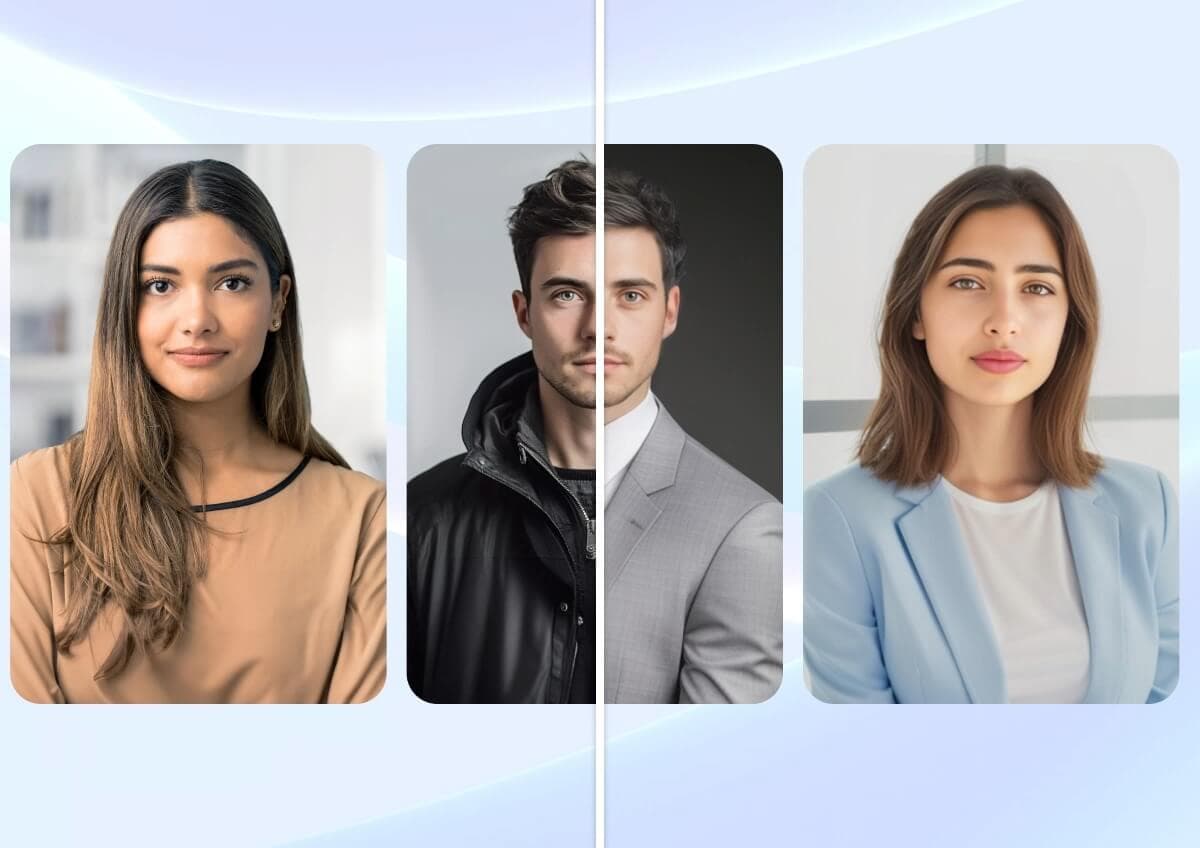
Transform a suitable source portrait into a studio-inspired professional image. Explore clean backgrounds, wardrobe directions, and polished lighting for profiles, team pages, portfolios, and personal branding.
Uses 4 shared credits per generation · 1 free starter credit
Why use it
Create a consistent, polished direction for business profiles and personal branding.
Explore visual treatments suited to corporate, creative, editorial, or approachable profiles.
Develop portrait options without arranging a separate shoot for every concept.
How it works
The workspace keeps setup simple while giving you clear checkpoints before anything is downloaded or published.
Choose a recent, sharp portrait that accurately represents the person and is yours to use.
Select a background, wardrobe, and lighting direction appropriate for the intended context.
Review face shape, eyes, teeth, hair, accessories, and clothing before publishing.
AI output can contain artifacts or inaccuracies. Review results, protect private information, respect consent and intellectual-property rights, and use qualified professionals for high-stakes decisions.
Read acceptable useFrequently asked questions
AI generation can change identity details. Carefully verify the face and avoid using an output that misrepresents the person.
Use a recent, well-lit, sharp image with one unobstructed face and a natural expression.
No. AI-generated portraits should not be used for passports, licenses, security credentials, or identity verification.
Continue creating
Photo enhancement
Sahera AI Photo Enhancer improves the visual quality of low-resolution, soft, or poorly balanced images. Refine clarity, lighting, sharpness, and color without learning a complicated editing suite.
ExplorePhoto editing
Separate a person or product from its surroundings in a streamlined AI workflow. Create clean visual assets for shops, campaigns, presentations, and profile images, then continue editing inside Sahera AI.
ExploreCommercial photography
Generate art-directed imagery across commercial categories including portraits, products, food, property, fashion, travel, weddings, and automotive. Choose a preset, aspect ratio, and optional reference to build a focused visual direction.
ExplorePractical guide · 7 min read
A useful professional headshot should feel recognizable, appropriate for its context, and visually consistent with how you present yourself in real life. AI can accelerate production, but the source image and identity review matter more than choosing the most dramatic style.
Create your Sahera AI account and use your free starter credit. Upgrade only when you need more capacity.
Open the tool