
Virtual try-on guide
How to Get Better AI Clothes Virtual Try-On Results
Virtual try-on can make fashion exploration faster, but the quality of the preview depends heavily on the two inputs: the person photo and the garment reference. A few deliberate choices can reduce distorted clothing, hidden details, and unrealistic layering.
By Sahera AI Editorial Team · Updated September 24, 2026 · 8 min read
Step 1
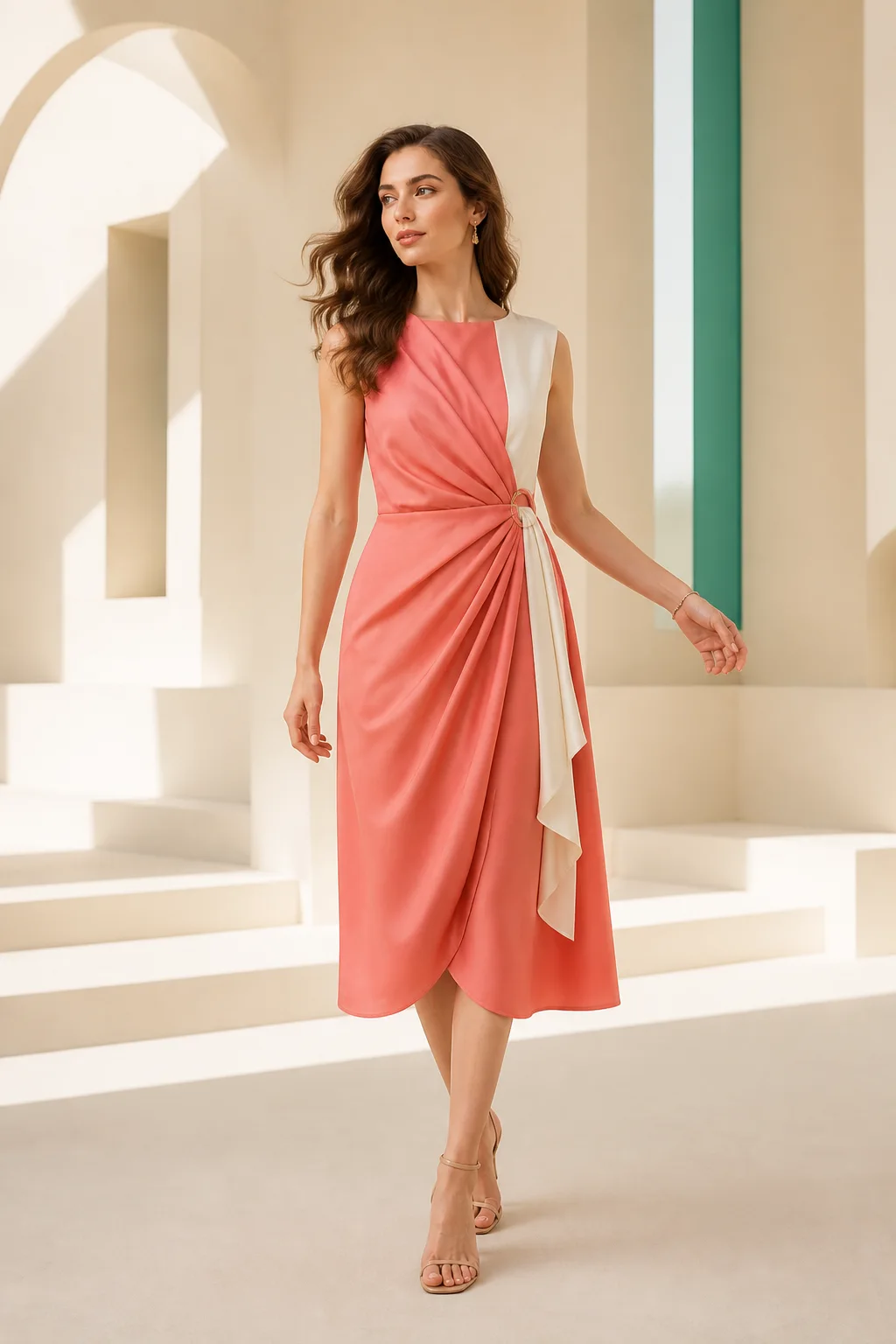
Choose a useful person photo
Use a clear image of one person with the body region needed for the garment visible. A straight or slightly turned pose is easier to interpret than a dramatic pose. Keep arms from covering the torso, avoid large bags or jackets, and make sure the current clothing does not hide the body silhouette completely.
Balanced, natural light helps preserve facial features and makes garment boundaries easier to judge. A plain background is helpful but not mandatory. More important is separation: the person's clothing, hair, and outline should not merge into dark furniture or a similarly colored wall.
- One clearly visible person
- Natural standing pose
- Hands away from the garment area
- Complete body region in frame
- Even light and useful resolution
Step 2
Prepare the garment reference
Use a front-facing product image whenever possible. The garment should be fully visible, not folded, cropped, heavily wrinkled, or covered by styling props. A clean flat-lay, mannequin, or product-only image gives the model more information about neckline, sleeves, hem, and silhouette.
Fine patterns, small logos, typography, unusual closures, and layered construction are difficult details. Use a high-resolution reference and treat any generated version as a visual concept until those elements have been checked against the real product.
- Show the complete garment
- Prefer a front view
- Use accurate color and lighting
- Avoid overlapping accessories
- Keep a source image for comparison
Step 3
Review the areas where AI commonly struggles
Begin with the garment outline: shoulders, waist, sleeves, hem, and the overlap with existing clothing. Then inspect hands, hair, jewelry, and straps where they cross the garment. Check whether patterns bend consistently and whether left and right details remain symmetrical.
A visually attractive result is not proof of sizing, fit, fabric behavior, or construction. Virtual try-on does not know a shopper's exact measurements or how a physical material stretches and drapes. Retailers should continue to provide size charts, garment measurements, fabric composition, and return information.
- Neckline and shoulder placement
- Sleeves, hands, and fingers
- Pattern and logo accuracy
- Hem and garment length
- Layering and occlusion
- Product color
Step 4
Use the preview for the right decision
For shoppers, virtual try-on is most useful for exploring color, silhouette, and styling—not confirming size. For brands, it can support concept testing, merchandising, campaign planning, and visual discovery, but important commercial assets still need product-accuracy review.
Keep disclosure proportional to the context. A private styling preview needs little explanation; a public image that could be mistaken for documentary photography or an exact product representation may need a clear AI-generated or virtual-preview label. Always use person and garment images you are authorized to transform.
Questions about this workflow
Can AI virtual try-on tell me which size to buy?+
No. It is a visual simulation, not a measurement or fit system. Use the brand's size chart, garment measurements, fabric details, and return policy.
Why do hands or patterns sometimes look wrong?+
Hands, overlapping objects, repeated patterns, text, and small product details are difficult for generative models. Clear inputs reduce problems, but every result still needs review.
Can a brand use virtual try-on images in marketing?+
Eligible Sahera plans support commercial use, but the brand remains responsible for image rights, consent, product accuracy, required disclosures, and compliance with local advertising rules.
Put the guide into practice
Tools for this workflow
Fashion AI
AI Clothes Virtual Try-On
Combine a model image with a garment reference to visualize a new outfit. Sahera AI Clothes Virtual Try-On helps fashion sellers, creators, and shoppers explore styling directions before investing in production or purchasing decisions.
Explore toolFashion visualization
AI Fabric Changer
Explore how a garment may look with a different fabric direction while preserving the overall outfit composition. Use AI Fabric Changer for early concept development, creative review, and marketing exploration.
Explore toolJewelry & watches
AI Jewelry Virtual Try-On
Visualize rings, bracelets, earrings, necklaces, and watches using person and product images. Support product discovery, merchandising, and campaign ideation with a fast digital preview.
Explore tool