
Compare textile directions
Explore material character, color, and texture before producing every physical variation.
Fashion visualization
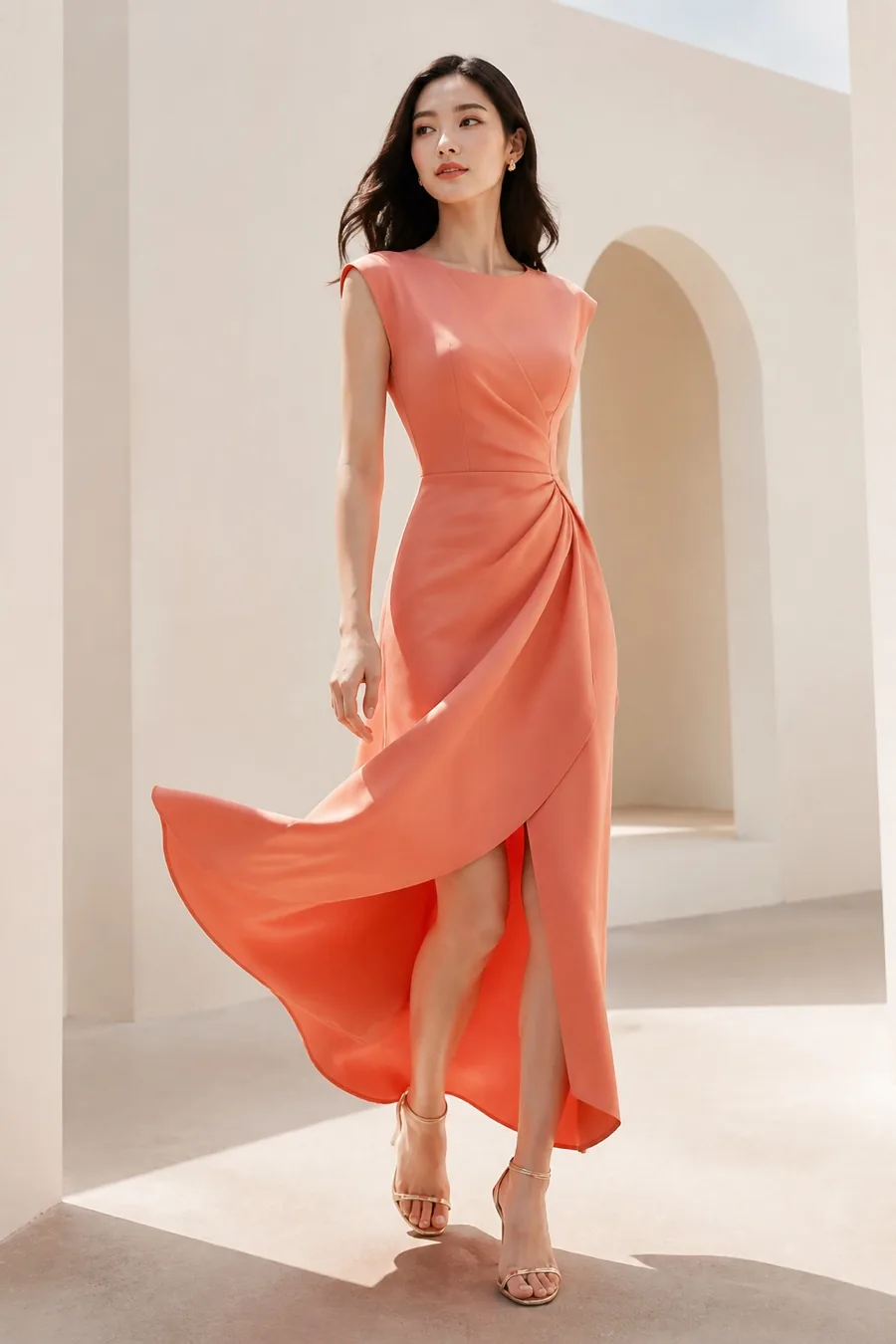
Explore how a garment may look with a different fabric direction while preserving the overall outfit composition. Use AI Fabric Changer for early concept development, creative review, and marketing exploration.
Uses 2 shared credits per transformation · 1 free starter credit
Why use it
Explore material character, color, and texture before producing every physical variation.
Give teams and clients a concrete visual reference during early fashion planning.
Develop varied fashion imagery from an existing approved composition.
How it works
The workspace keeps setup simple while giving you clear checkpoints before anything is downloaded or published.
Choose a high-resolution photo where the clothing surface is clearly visible.
Select the closest material or texture treatment available in the studio.
Check drape, folds, pattern scale, trim, and lighting before sharing the concept.
AI output can contain artifacts or inaccuracies. Review results, protect private information, respect consent and intellectual-property rights, and use qualified professionals for high-stakes decisions.
Read acceptable useFrequently asked questions
No. The result is a creative visualization. Real fabric weight, stretch, sheen, drape, and construction should be validated with physical samples.
The tool aims to retain the composition, but small seams, labels, patterns, and accessories may change and require review.
It can support early visual decisions, but it does not replace technical drawings, material testing, samples, or professional production review.
Continue creating
Fashion AI
Combine a model image with a garment reference to visualize a new outfit. Sahera AI Clothes Virtual Try-On helps fashion sellers, creators, and shoppers explore styling directions before investing in production or purchasing decisions.
ExploreJewelry & watches
Visualize rings, bracelets, earrings, necklaces, and watches using person and product images. Support product discovery, merchandising, and campaign ideation with a fast digital preview.
ExploreCommercial photography
Generate art-directed imagery across commercial categories including portraits, products, food, property, fashion, travel, weddings, and automotive. Choose a preset, aspect ratio, and optional reference to build a focused visual direction.
ExplorePractical guide · 8 min read
Virtual try-on can make fashion exploration faster, but the quality of the preview depends heavily on the two inputs: the person photo and the garment reference. A few deliberate choices can reduce distorted clothing, hidden details, and unrealistic layering.
Create your Sahera AI account and use your free starter credit. Upgrade only when you need more capacity.
Open the tool